
01
Define
We identify the core jobs users must complete inside the web application.
Modern software, mobile products and data systems
built in the Netherlands.
SaaS platforms, portals, booking systems and internal tools
A strong web application gives users a clear place to complete tasks, manage information and trust the flow from start to finish.
Start a ProjectWhat this solves
What we build
01
We identify the core jobs users must complete inside the web application.
02
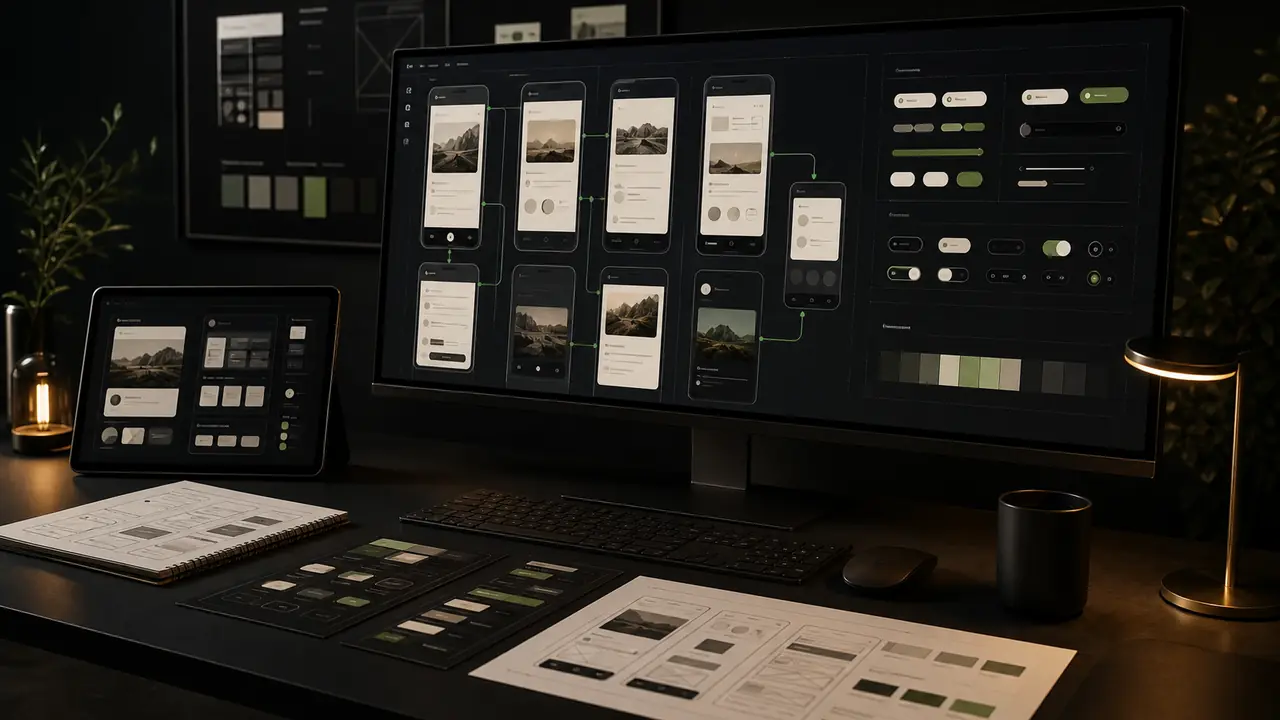
We structure the product navigation, forms, states and dashboard surfaces.

03
We build the responsive interface and connect it with APIs, CMS or database layers.

04
We test real flows, optimize performance and prepare a roadmap for the next release.
Process
0101 / 04
We identify the core jobs users must complete inside the web application.
0202 / 04
We structure the product navigation, forms, states and dashboard surfaces.
0303 / 04
We build the responsive interface and connect it with APIs, CMS or database layers.
0404 / 04
We test real flows, optimize performance and prepare a roadmap for the next release.
A focused first version can often be planned in weeks, while larger products depend on integrations, roles and workflow complexity.
Yes. We design and build SaaS-style interfaces with dashboards, settings, permissions and product flows.
Yes. We design responsive layouts and interaction patterns so important workflows remain usable on smaller screens.